
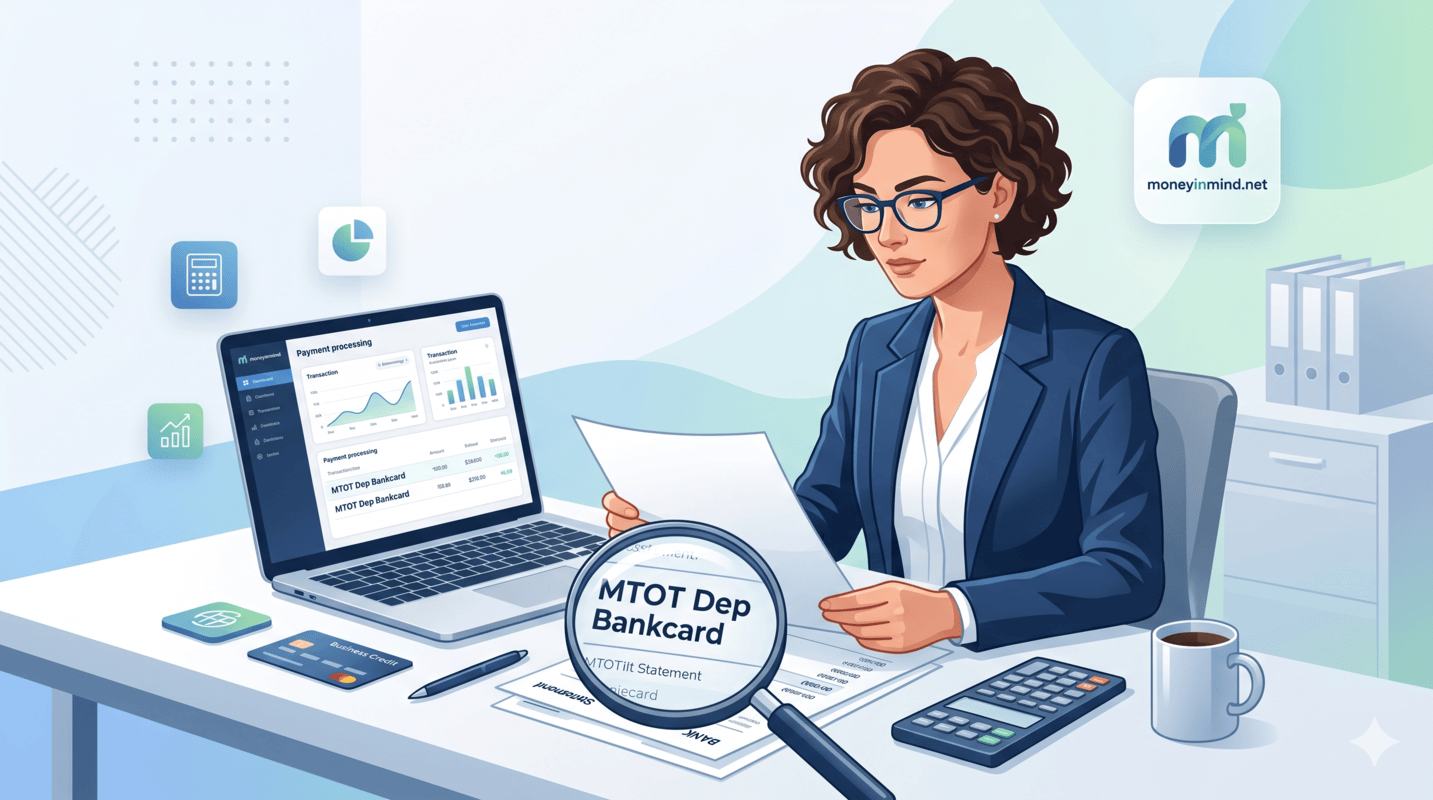
If you run a business in the United States and accept credit or debit cards, you’ve likely encountered some confusing terms on your bank statement. One of the most common and frustrating questions we see from small business owners is about the phrase “MTOT Dep Bankcard.”
Don’t panic! This article will walk you through everything you need to know in 6 easy steps. By the end, you’ll be able to reconcile your accounts like a pro and avoid costly mistakes that many business owners make.
What Does “MTOT Dep Bankcard” Actually Mean?
The jargon is simpler than it looks. Here is the breakdown of the abbreviation:
-
MTOT: Stands for Merchant Total. This is a summary figure for your business’s card payment activity over a specific period, usually a batch or a day’s worth of transactions.
-
Dep: Stands for Deposit. This tells you the line item refers to a transfer of funds into your business bank account from your payment processor.
-
Bankcard: A generic term for a payment card issued by a bank, such as a credit or debit card (Visa, Mastercard, Discover, or Amex). It signifies the funds originated from card payments made by your customers.
Put it all together: “MTOT Dep Bankcard” is the descriptive text that often appears on your bank statement for a deposit of funds from your credit and debit card sales. It’s essentially your payment processor saying, “Here is the money your customers paid you by card, minus any standard processing fees.”
The bottom line? This is a good thing! It’s your hard-earned revenue landing safely in your account.
A Common Source of Confusion for Business Owners
It’s important to note that “Bankcard” in this context is a generic term. Many business owners mistakenly believe it refers to a specific company called “Bankcard USA” or a particular bank. That is usually not the case.
You may see this, or a similar variation like BANKCARD MTOT DISC, on your statement even if you have no direct relationship with a company named Bankcard USA. The descriptor is commonly used by payment processors who use the First Data/FISERV network (now known as Fiserv) and is simply a standard way to label card transactions in their system.
Other processors may use slightly different terminology, such as:
-
CC DEPOSIT -
CARD SETTLEMENT -
MERCHANT DEPOSIT
But the meaning is always the same: customer card payments are being deposited into your account.
How to Reconcile Your MTOT Dep Bankcard (A Step-by-Step Guide)
To be absolutely sure the deposit matches your actual sales and that you’re not overpaying in fees, follow these 6 powerful steps:
Step 1: Compare the Dollar Amount
Check the deposit amount against your monthly statement from your payment processor (e.g., Stripe, Square, PayPal, or your traditional merchant account provider). The numbers should match closely, though they may be net of fees.
Step 2: Check for “MTOT Disc” Fees
The related term MTOT Disc (Merchant Total Discount) is often used to describe the monthly or per-transaction fee deducted for payment processing services. Look for this fee separately on your statement and make sure it aligns with your agreed-upon rate.
Step 3: Verify the Deposit Date
The deposit date is typically 1-3 business days after the batch of transactions is settled, depending on your processor. If you’re using a same-day settlement service, it could be even faster.
Step 4: Reconcile with Your Sales Records
Pull your daily sales reports from your POS system or payment terminal and match them against the deposit amounts. This helps you catch any missing transactions or errors.
Step 5: Watch for Chargebacks or Reversals
Occasionally, a deposit may be adjusted due to chargebacks or refunds. If the “MTOT Dep” amount seems low, check your processor’s dashboard for any reversals.
Step 6: Contact Your Processor if Unsure
If you ever see a deposit or fee you don’t recognize, always contact your payment processor directly. They are the only ones who can provide a definitive explanation based on their specific fee structure and settlement schedule.
A Pro-Tip for Savvy Business Owners
Understanding these terms isn’t just about satisfying curiosity – it’s crucial for effective financial management and protecting your bottom line.
Regularly checking your statement not only helps you balance your books but also makes you painfully aware of your processing costs. Many business owners ignore these details and end up overpaying by thousands of dollars per year.
Power Tip: Knowing exactly what MTOT Dep and MTOT Disc mean empowers you to ask the right questions and negotiate better rates with your provider. If you see fees climbing, it might be time to shop around for a more competitive processor.
Final Thoughts: Take Control of Your Finances
Decoding bank statement codes like “MTOT Dep Bankcard” doesn’t have to be a headache. With the knowledge you’ve gained today, you can confidently review your deposits, catch errors early, and save money on merchant fees.
Remember: Your bank statement tells a story about your business’s financial health. Learn to read it, and you’ll always be in control.
Read more: Capital One Investing: Your Gateway to Building Wealth